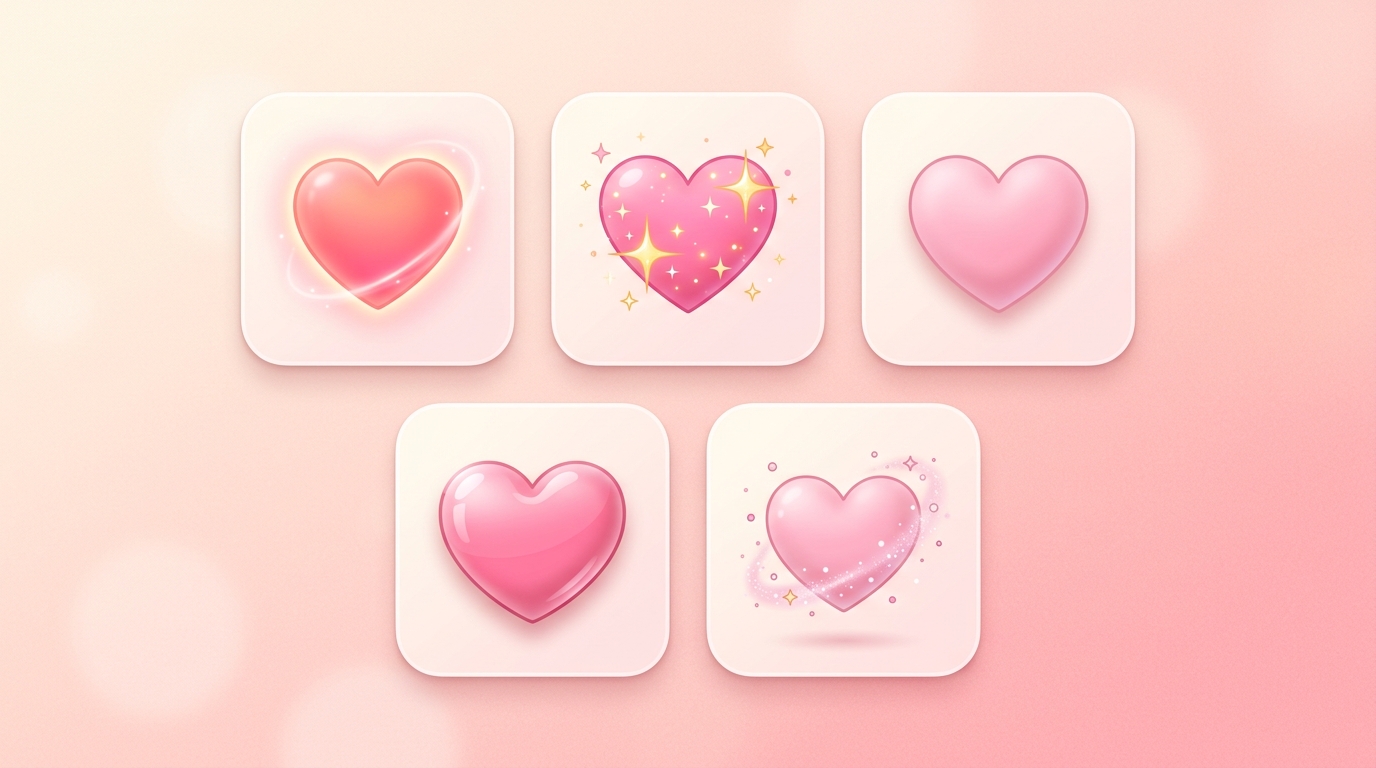
Red Heart Symbol ❤ – Text & Emoji Version
Whether you need the classic vintage text glyph or the shiny modern emoji, here is the absolute 2026 technical and styling breakdown of the iconic red heart symbol.
⏱ 4 min read
⚙ Unicode Specs
📋 Copy-Paste Ready
The red heart symbol ❤ exists in two primary formats: the solid retro text glyph (❤ or ♥) and the graphic rendering emoji (❤️). While both convey deep love, text versions are preferred for clean code, retro gaming tags, and plain bios, whereas the full emoji version rules rich social media streams.
Heart Symbol & Variant Matrix
1 Text Symbol vs. Color Emoji Variant
The standard text symbol **❤** is a lightweight typographical glyph that behaves exactly like a regular text character. It scales perfectly with text font sizes and switches colors automatically if you apply a text color style in CSS. It remains highly stable across legacy web systems and retro text configurations.
On the flip side, the modern colored red heart emoji **❤️** uses a hidden script variation selector (specifically Variation Selector-16) to tell the operating system to overlay a bright, pre-rendered graphic texture over the plain text asset.
For webmasters structuring lightweight data feeds, choosing text symbols preserves page speed. For deep context on how platforms handle color evolution natively, reading our breakdown on the pink heart emoji meaning uncovers how system graphics adapt based on structural system layouts.
✅ Use Text Symbols (❤):
- Styling simple text titles or video game tags
- Preserving cross-browser code rendering speed
- Writing raw text strings or CSS headers
❌ Switch to Emoji (❤️):
- Sending ultra-vivid text messages to mobile screens
- Designing casual, playful chat feedback bars
- Boosting fast visual engagement on app feeds
2 How to Copy and Paste Heart Symbols
Moving these text assets directly into your personal gaming bios, website meta tags, or text documents is incredibly straightforward. Use the optimized workflow below:
3 Desktop & System Keyboard Shortcuts
You do not always need to look up a copy paste catalog page to output a heart symbol. Most devices offer direct, instantaneous keyboard tricks:
If your desktop layout features a dedicated numeric keypad block, hold down your left Alt button and type 3 on the number pad, then release the key. This outputs a fast retro text heart symbol (♥) immediately inside any active text prompt.
On Apple laptop or desktop layouts, hit the quick combo Cmd + Ctrl + Space simultaneously. This instantly drops an organized utility window over your screen where you can type “heart” to select any text or graphic version in a second.
Switch your mobile screen view over to the standard punctuation layout panel (usually by tapping the 123 or ?#+ buttons). The text heart symbol or color variant sits natively within your regular character key trays.
4 Technical Unicode Directory Sheet
For developers, system designers, and program engineers, maintaining database accuracy requires using exact data protocols. Check our official hex metrics:
| Asset Target | Unicode Point | HTML Entity Code | CSS Decoded String |
|---|---|---|---|
| ❤ (Plain Text) | U+2764 | ♥ | \2764 |
| ❤️ (Full Emoji) | U+2764 U+FE0F | ❤️ | \2764\FE0F |
| ♡ (White Outline) | U+2661 | ♡ | \2661 |
| ♥ (Black Suit) | U+2665 | ♥ | \2665 |
| ❥ (Rotated Wing) | U+2765 | ❥ | \2765 |
utf8mb4 character collation. Using regular old utf8 strings will result in broken character warnings or cut off your data fields entirely.5 CSS Styling & Code Integration Layouts
Because the plain text glyph behaves exactly like standard typography, you can style it dynamically with CSS rules:
Unlike fixed graphic emoji variants, you can change a text heart symbol’s appearance using simple CSS properties. For example, applying color: #e8739a; transforms a basic symbol into a custom brand hue effortlessly.
Text heart glyphs stay perfectly sharp no matter how large you scale them. Setting a property like font-size: 3rem; keeps your vector crisp and clean on high-resolution Retina displays without pixelation issues.
You can add transition triggers like .heart:hover { transform: scale(1.2); } to make text hearts expand smoothly when a mouse cursor glides over them, boosting your site’s micro-interactions.
Ready to Master Platform Automation Rules?
Different applications use these hidden symbol points to trigger automated system rewards and level-up indicators inside active community feeds.
6 Frequently Asked Questions
Timeless Shape. Modern Code. Endless Flexibility.
The red heart symbol ❤ bridges the gap between retro typing layouts and today’s rich smartphone apps. Whether you are adding a light text heart to a web script or dropping a vivid color emoji into a chat feed, this shape remains the internet’s absolute favorite way to express affection. Choose the right format for your project, double-check your code tags, and style your channels beautifully!
→ Keep Reading