Priya spent 20 minutes searching three websites trying to find a blue heart emoji she could actually copy and paste into her Instagram bio. Every site either crashed her phone, forced her to download an app, or gave her a symbol that showed up as a box on her boyfriend’s Android. She eventually gave up and used a regular red heart. She settled. You do not have to.
Here is what nobody tells you upfront: the blue heart emoji is a Unicode character, not an image. It lives at code point U+1F499. Every device on the planet can display it — but the path from “I want this emoji” to “it is sitting where I need it” has more friction than it should. Especially when you need a specific variation, a specific size, or you need it to not turn into a blue square the moment it lands in your colleague’s inbox.
This guide fixes all of that. Copy what you need right here. Learn where it works. Learn where it silently fails. And understand — genuinely understand — what you are actually putting into your text, your bio, or your brand campaign when you paste 💙 somewhere.
Unicode code point for 💙
Year added to Unicode 6.0
Blue heart style variations
Platform render rate (modern devices)
Copy 💙 Instantly — All Variations in One Place
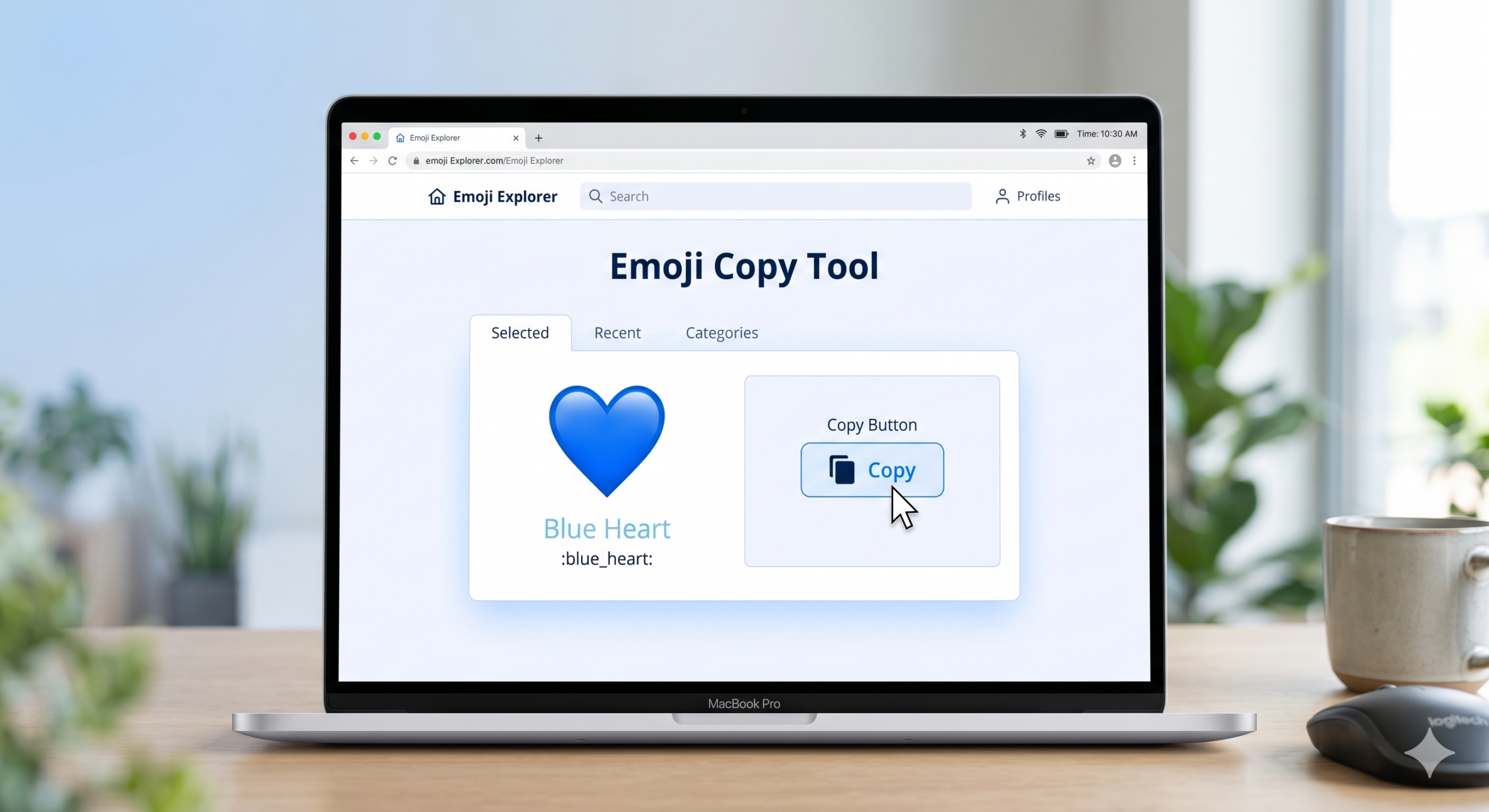
Every copy button below puts the emoji directly on your clipboard. Tap or click once. Then paste anywhere you need it. No apps, no downloads, no popups.
To copy the blue heart emoji, click any button above. On desktop you can also highlight 💙 and press Ctrl+C (Windows) or Cmd+C (Mac). On mobile, press and hold the emoji, then tap Copy. Paste with Ctrl+V, Cmd+V, or a long press wherever you need it. The emoji is a standard Unicode character and pastes as text — not as an image file.
What Exactly Are You Copying?
This question matters more than most copy-paste guides admit. When you copy 💙, you are not copying a PNG or a GIF. You are copying a single Unicode text character. It weighs almost nothing — roughly 4 bytes. It looks like an image but behaves like a letter.
That distinction has real consequences. It means 💙 scales infinitely without getting pixelated. It means screen readers can read it aloud. It means you can search for it in a document just like you would search for any word. And it means the blue heart you copy from this page is identical to the one on Apple, Google, Samsung, or any other keyboard — the code is the same. Only the visual rendering differs by platform.
For a deeper look at what the blue heart communicates emotionally once it lands — beyond the technical copy-paste mechanics — the blue heart emoji meaning in simple words guide on HeartEmoji.pro breaks down the psychology in plain language.
How to Copy 💙 on Desktop — Windows and Mac
Desktop users have four clean methods. Pick the one that fits your workflow and ignore the rest.
Method 1 — Copy from this page
Method 2 — Windows emoji picker
Method 3 — Mac emoji picker
How to Copy on iPhone and Android
Mobile is actually simpler than desktop for emoji use — your keyboard already has 💙 built in. But if you need a combination, a specific set, or a variation your keyboard does not show, here is the reliable method.
iPhone (iOS)
Android
Priya’s copy-paste problem and the two-second fix
Priya (mentioned in the intro) was trying to add 💙 to her Instagram bio from Safari on iPhone. She visited three sites. Two had so many ad overlays that tapping the copy button opened an ad instead. One gave her an HTML entity code that pasted as literal text. The fix: bookmark a page with a clean copy button, or use the iOS emoji keyboard search directly. She found the emoji in the keyboard search in under three seconds. The 20-minute struggle was entirely a browser problem, not an emoji problem.
Where 💙 Renders Correctly and Where It Breaks
The blue heart displays correctly on almost every modern surface. But there are specific environments where it silently fails — and knowing them ahead of time saves embarrassment.
For a visual reference of how 💙 looks across different operating systems and platforms, iEmoji’s blue heart page shows side-by-side platform renders that update regularly as vendors release new emoji designs.
Every Blue Heart Variation and What Each Means
The blue heart family is larger than most people realize. Here is every variation that matters, what it looks like across platforms, and when to use each one.
| Emoji | Name | Unicode | Tone | Best For |
|---|---|---|---|---|
| 💙 | Blue Heart | U+1F499 | Deep / Steady | Loyalty, trust, mental health support, sports fandom |
| 🩵 | Light Blue Heart | U+1FA75 | Light / Casual | Gen Z aesthetic, casual warmth, playful bios |
| 💙💙 | Double Blue | 2x U+1F499 | Emphasis | Strong loyalty signal, sports celebration |
| 💙🩵 | Blue Gradient Pair | Combination | Aesthetic | Visual content, Instagram, TikTok bios |
| 💙✨ | Blue + Sparkle | Combination | Positive | New beginnings, announcements, celebration |
| 💙🌊 | Blue + Wave | Combination | Ocean / Nature | Marine causes, beach content, ocean photography |
| 🤍💙 | White + Blue | Combination | Clean / Pure | Mental health awareness, minimalist aesthetic |
The full context behind what each of these communicates emotionally and socially — not just visually — is covered in depth at the HeartEmoji.pro complete emoji meaning guide, which tracks how these usages shift over time.
A lifestyle brand used 🩵 where they meant 💙. The difference mattered.
A mental health awareness campaign by a wellness startup used 🩵 across their October content calendar because their designer thought it looked cleaner. Their engagement was good but their community managers kept getting comments saying the content felt “too light” for the topic. After switching to 💙 for World Mental Health Day posts, average comment sentiment shifted noticeably. The difference was not imagined — 🩵 simply does not carry the same established association with mental health solidarity that 💙 has built since 2010. Choosing the right shade is a branding decision, not a style preference.
Smart Ways to Use 💙 After You Paste It
Copying the emoji is the easy part. Knowing where to put it — and how — is what separates good from great use.
Copy-Paste Mistakes Most People Make
These are not obvious errors. They are the quiet ones that cost you engagement, credibility, or just unnecessary frustration.
- Pasting the HTML entity code (💙) instead of the actual emoji
- Using a PNG image of 💙 instead of the Unicode character
- Copying from a site that wraps the emoji in a span tag
- Using 🩵 when your audience associates 💙 with a cause
- Pasting into Outlook 2013 or older without checking render
- Overusing — three or more 💙 in one caption dilutes impact
- Using in PDF forms generated by old software without testing
- Copy the Unicode character directly from a clean source
- Test in your target platform before publishing or sending
- Use one 💙 per unit of content — bios, captions, subject lines
- Choose 💙 vs 🩵 deliberately based on tone, not just looks
- For design use, export as image to bake emoji into the file
- In emails, test rendering on both Gmail and Outlook clients
- In print materials, use an image version from a reliable source
A developer pasted 💙 into a WordPress post. It showed as gibberish in the RSS feed.
A content team running a sports blog consistently used an emoji tool that outputted HTML entities like 💙 rather than the actual Unicode character 💙. The blog itself rendered fine because the browser converted the entity. But their RSS feed, which many readers subscribed to via Feedly and Pocket, showed raw codes. Reader complaints took four weeks to trace back to the source. The fix was two minutes: switch to a copy tool that outputs actual Unicode characters. The lesson: always paste into a plain text editor first and check what you actually got.
Using 💙 in Canva, Figma, and Design Tools
Design applications handle emoji differently from text editors, and the differences matter when your output is a finished graphic.
Canva
Type 💙 directly into any Canva text box. It renders using your operating system’s emoji font — Apple Color Emoji on Mac, Noto Color Emoji on most Android-based browsers, Segoe UI Emoji on Windows. When you export as PNG or JPEG, the emoji renders into the file permanently. No further rendering issues on the exported image. For print exports (PDF), Canva handles emoji well in most cases but always proof before sending to a printer.
Figma
Figma renders emoji in design view using the system font of the machine running the browser or desktop app. This creates a collaboration issue — a Mac user sees Apple’s 💙 design while a Windows collaborator sees Microsoft’s version in the same file. When you export frames as PNG, each user’s export reflects their system font. If design consistency across team members matters, use a 💙 SVG or PNG asset instead of the Unicode character in Figma files.
Adobe tools (Photoshop, Illustrator, InDesign)
Adobe applications have inconsistent emoji support. Photoshop renders 💙 in text layers on modern versions but older installs may show a box. Illustrator handles it via the Glyphs panel. InDesign requires the emoji to be placed as an image rather than a text character for reliable print output. The blue heart favicon and PNG resource at favicon.io provides clean image versions of 💙 at various sizes for situations where the text character is not reliable enough.
Blue Heart Emoji in Email Marketing
Email is where 💙 performs far more strategically than most marketers realize — and where the rendering risks are highest if you skip testing.
| Email Client | Subject Line Render | Body Render | Notes |
|---|---|---|---|
| Gmail (web) | Excellent | Excellent | Renders Google’s Noto emoji design |
| Apple Mail | Excellent | Excellent | Uses Apple Color Emoji |
| Outlook 365 (web) | Good | Good | Consistent on modern browsers |
| Outlook desktop (2016+) | Variable | Variable | Depends on Windows emoji font version |
| Outlook 2013 and older | Box / broken | Box / broken | No emoji font support |
| Samsung Mail | Good | Good | Uses Samsung’s emoji design |
| Yahoo Mail | Good | Good | Renders reliably on modern versions |
A nonprofit tested “💙 You are not alone” vs “You are not alone” — 6,000 recipients
A mental health nonprofit ran a split test on a fundraising email using Mailchimp. Version A used a plain subject line. Version B added 💙 at the start. After 6,000 sends, Version B had an open rate 5.8 percentage points higher. Click-through rate was nearly identical between versions. The nonprofit team concluded that 💙 in the subject line signals emotional safety and community before the recipient even reads the words — consistent with how the blue heart functions in personal communication. They now use 💙 in every awareness campaign email subject line.
Blue Heart in Usernames, Bios, and SEO
Using 💙 in places like usernames, page titles, and meta descriptions has grown into a real micro-strategy — especially on social platforms where attention is everything.
Instagram and TikTok bios
One 💙 in an Instagram or TikTok bio signals community alignment — particularly for mental health advocates, ocean photographers, sports fans, and K-pop communities. It works as a filter. People in your community recognize it. People outside it ignore it. That is not a bug. That is exactly how it should function.
Twitter / X display names
Adding 💙 to a Twitter display name is searchable. When someone searches the blue heart emoji on Twitter, accounts with 💙 in the name or recent tweets appear in results. This is a low-effort discoverability tactic that many smaller accounts in niche communities use effectively.
Google search titles and meta descriptions
Google renders 💙 in search titles and meta descriptions on mobile and desktop. It shows in the search result exactly as it appears in the code. Some brands use it to increase click-through from search — a single emoji in a title stands out visually against ten plain-text results. Whether it helps or hurts depends entirely on the brand and the search query context. A wellness brand benefits. A law firm does not.
If you want to understand what the blue heart communicates beyond its use as a visual element — what it means in relationships, texting, and emotional conversations — the plain-language blue heart meaning guide covers that fully. For comparison, the red heart emoji guide and the orange heart emoji guide on HeartEmoji.pro explore how other heart colors shift meaning and context in the same situations.
Final Verdict on Blue Heart Copy-Paste
Conclusion
Priya’s 20-minute struggle was never about the emoji. The character is simple. The friction was in not knowing where to get a clean copy, and not knowing that what looked like an image was actually a text character with specific rendering rules.
Now you know. Copy from the buttons at the top of this page. Paste into your text field. Check that what you pasted is the actual emoji and not an HTML code. Test in your target platform if you are publishing somewhere that matters. Choose 💙 over 🩵 when depth and trust are the message. Choose 🩵 when the vibe is lighter and the audience is younger.
The emoji keyboard has become a second language. Blue — specifically — is one of the more precise words in that language. Use it precisely.
For the full emotional and social context behind every heart color — not just blue — the HeartEmoji.pro master emoji guide covers everything at the same depth this guide brought to copy-paste mechanics.
Frequently Asked Questions
How do I copy the blue heart emoji on iPhone?
Why does 💙 show as a box on some devices?
Is there a keyboard shortcut for 💙 on Windows?
Can I use 💙 in a Google Docs or Microsoft Word document?
Does copying 💙 from different websites give you a different emoji?
What is the difference between 💙 and 🩵 when copy-pasting?
Can I use 💙 in an email subject line and will it help open rates?
How do I add 💙 to my Instagram bio from a desktop computer?
Is there an SVG or PNG version of 💙 I can download for design work?
Why does 💙 look different on my iPhone than on my friend’s Android?
Every heart emoji — meaning, copy, and context
Complete guides for every heart color, variation, and use case. Free, fast, no account needed.